- Home
- Studio Software
Your studio set up, so you can just make music
We help producers, beatmakers and artists get their studio software working properly: DAW setup, VST plugins, drum kits, audio interfaces and latency, on Windows and Mac.
- Windows & Mac
- Remote or onsite
- Licensed installs only
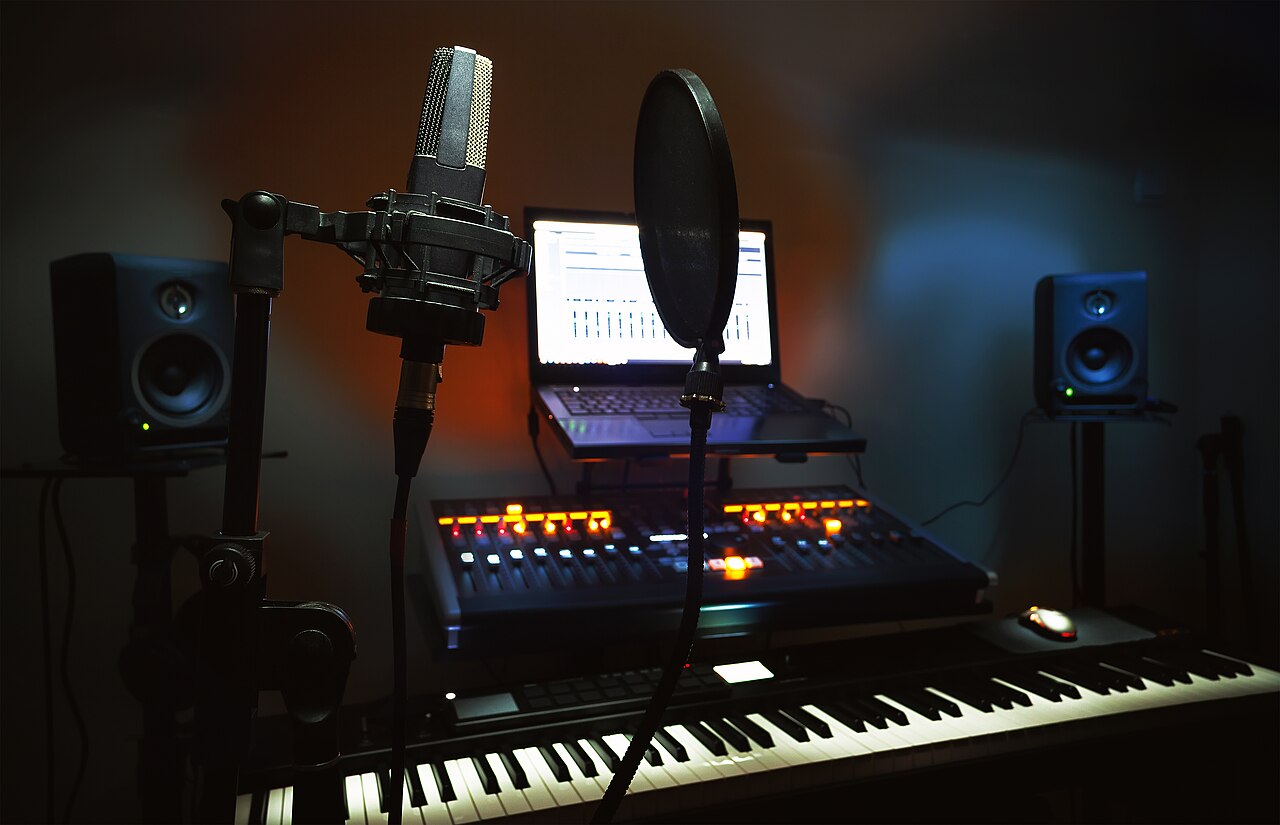
Whatever you produce in
Plus Pro Tools, Studio One and Reaper.


From first install to a glitch-free session
DAW installation & setup
Install, activate and update your DAW, set audio devices, project folders and templates.
VST & AU plugins
Install through official managers, clean plugin folders, fix plugins that will not scan or load.
Drum kits & samples
Organise drum kits, loops and sample libraries so they appear in your DAW browser, plus Kontakt libraries.
Audio interface & MIDI
Drivers, ASIO and routing for your interface, and MIDI keyboards and pad controllers mapped and working.
Latency & performance
Buffer, sample rate and OS tuning to stop crackles, dropouts and CPU spikes while recording.
Troubleshooting
Crashes, activation errors, missing plugins, and projects that will not open. Diagnosed and fixed.
Every plugin found, loaded and organised
Synths, effects, sample instruments and drum kits, installed the right way so your DAW sees all of them, every session.
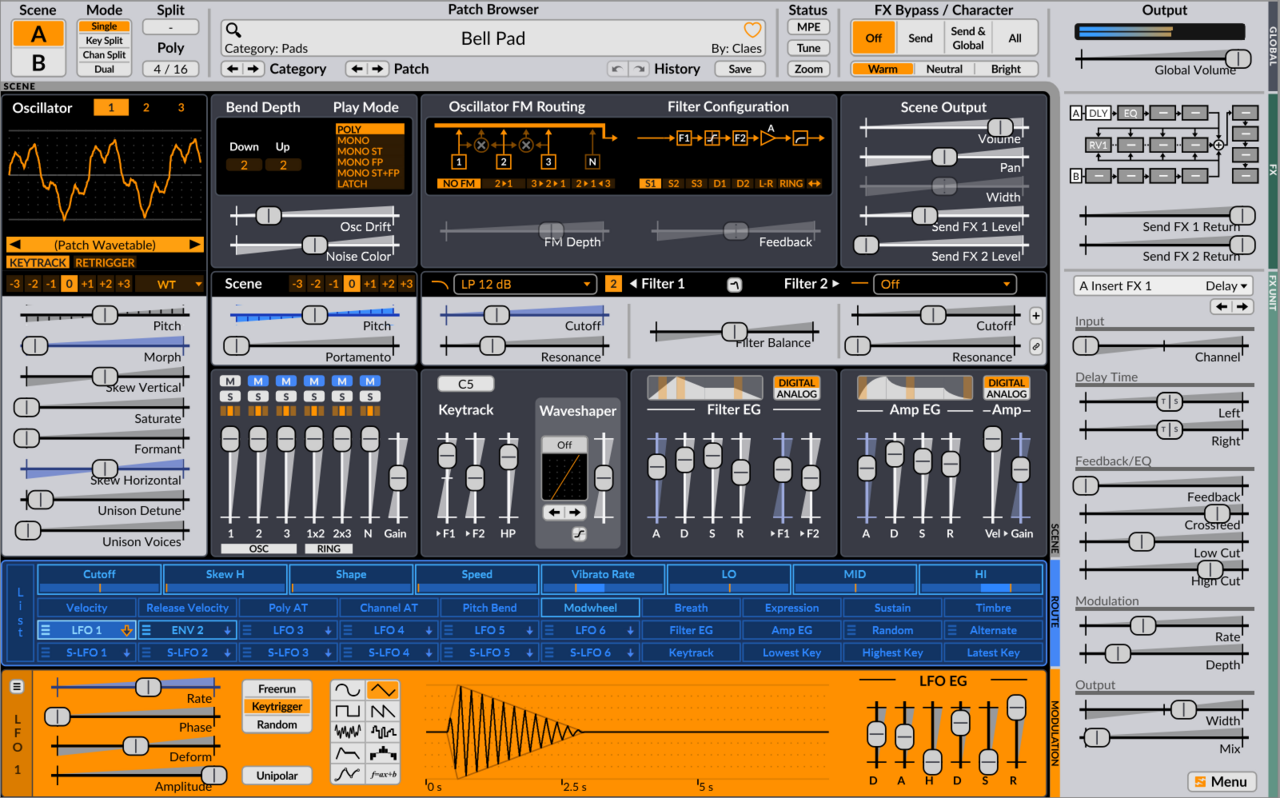
- SynthsSerum, Vital, Omnisphere, Surge XT, Pigments, Sylenth1
- Sample instrumentsKontakt libraries, Keyscape, Spitfire, Arturia
- Mixing & masteringFabFilter, Waves, Soundtoys, iZotope, Valhalla
- Drum kits & samplesKits, loops and one-shots organised and linked to your DAW browser
Interfaces, controllers & monitors
Software is only half the studio. We connect and configure the gear so it all works together.
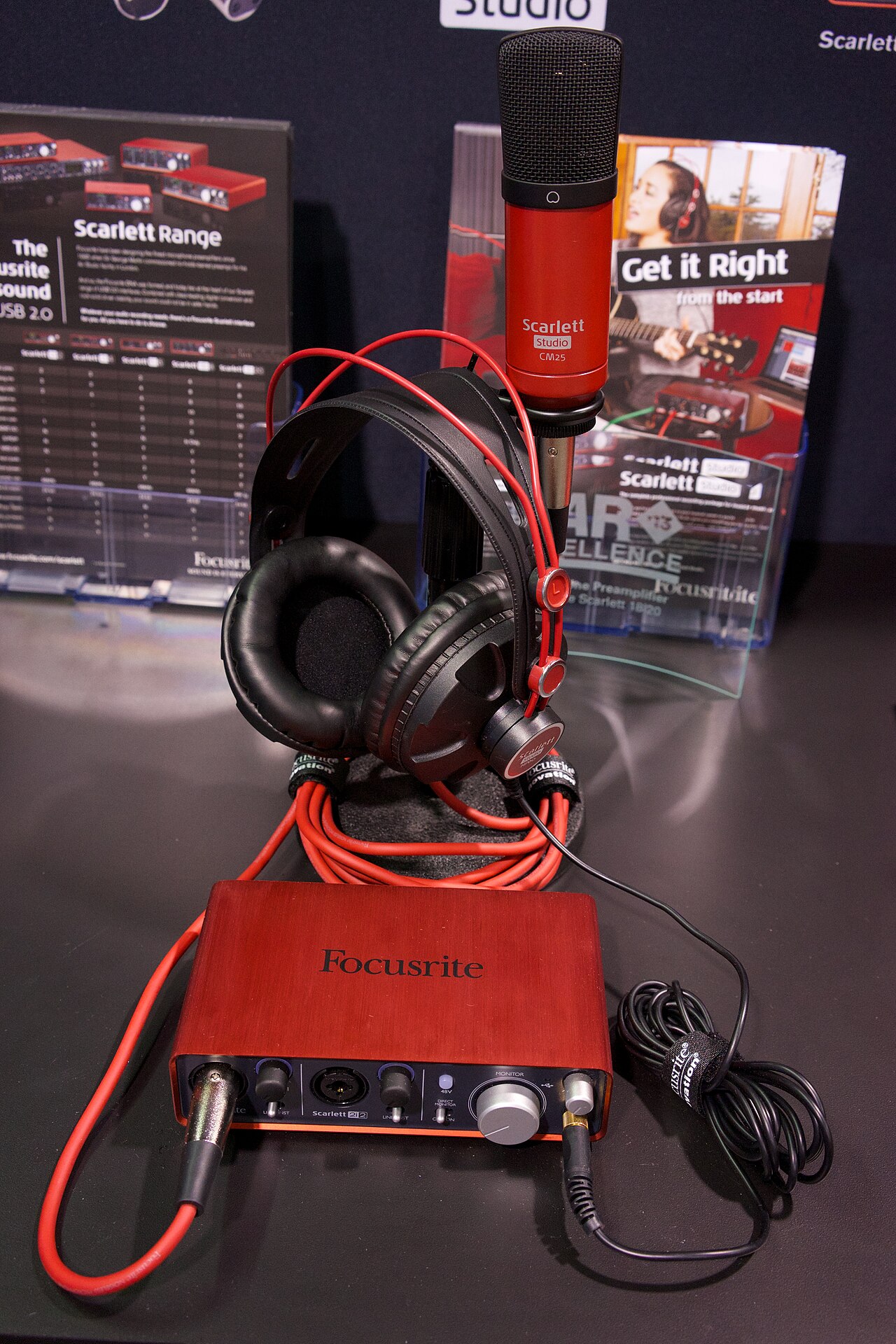
- Audio interfaces: Focusrite, Audient, PreSonus, Universal Audio and more, with correct drivers and routing.
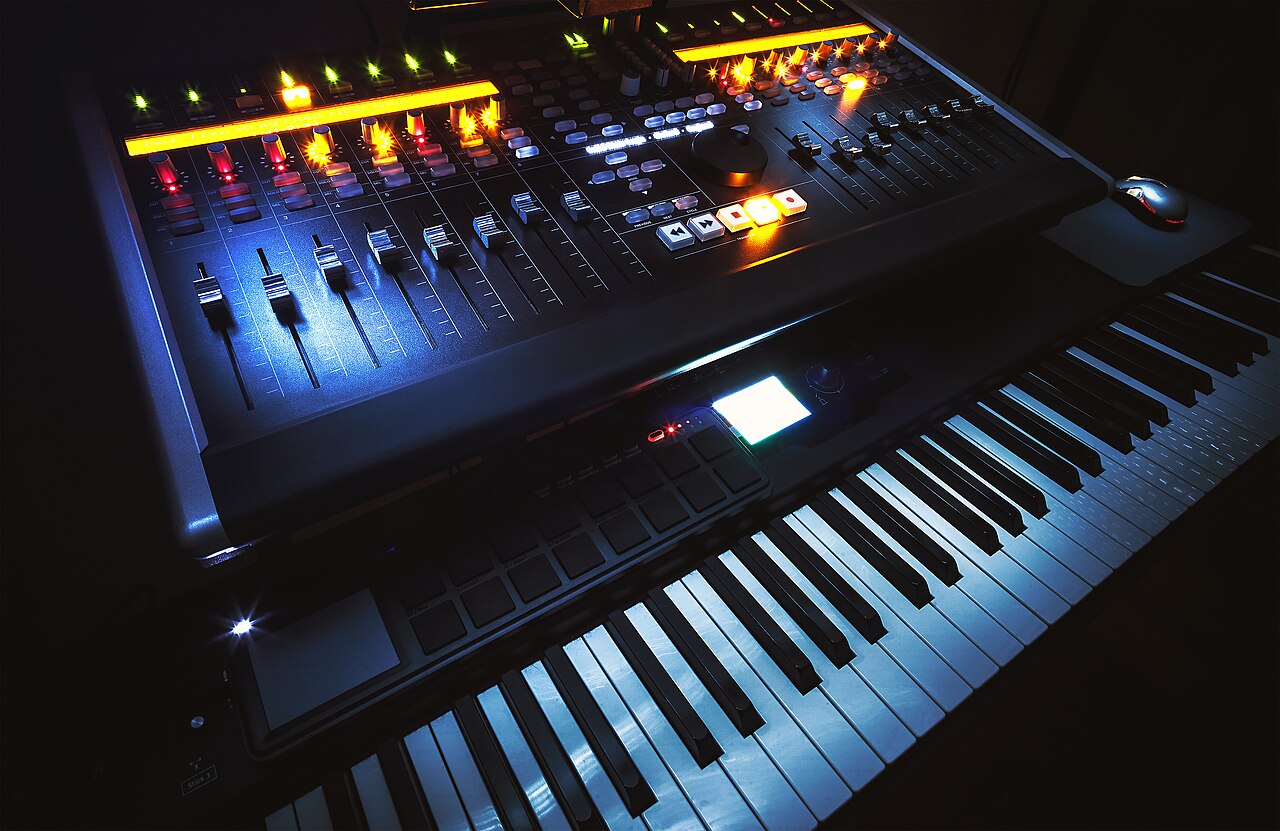
- MIDI controllers: keyboards, pads and control surfaces mapped to your DAW.
- Monitoring: studio monitors and headphones set up with the right levels.
- Computer choice: advice on a PC or Mac with the CPU, RAM and SSD your projects need.
Studio software questions
Which DAWs do you support?
FL Studio, Logic Pro, Cubase, Ableton Live, Pro Tools, Studio One and Reaper, on Windows and Mac.
Can you install my VST plugins and drum kits?
Yes. We install your plugins through their official installers and managers (Native Instruments Native Access, iLok, Waves Central, Plugin Alliance and others), set up clean plugin folders so your DAW finds everything, and organise your drum kits and sample libraries so they show up in your browser.
Do you supply software licences?
We install and activate software you have licensed. If you still need to buy, we will point you to the right edition for your needs, including excellent free plugins and kits to get started. We do not install pirated software; it is unstable, often carries malware and puts your projects at risk.
Can you fix latency, crackles and dropouts?
Yes. We install the right audio interface drivers (ASIO on Windows), tune buffer sizes and sample rates, and optimise Windows or macOS power and background settings for smooth, glitch-free recording.
Do you help remotely?
Yes. Most software setups can be done over a secure remote session anywhere in South Africa. Hardware setups, such as interfaces, monitors and MIDI controllers, can be done onsite in Cape Town.
Stuck on a setup? Let us get you making music.
Message us with what's wrong. We'll reply with a clear plan and a price before any work starts.